
Back to products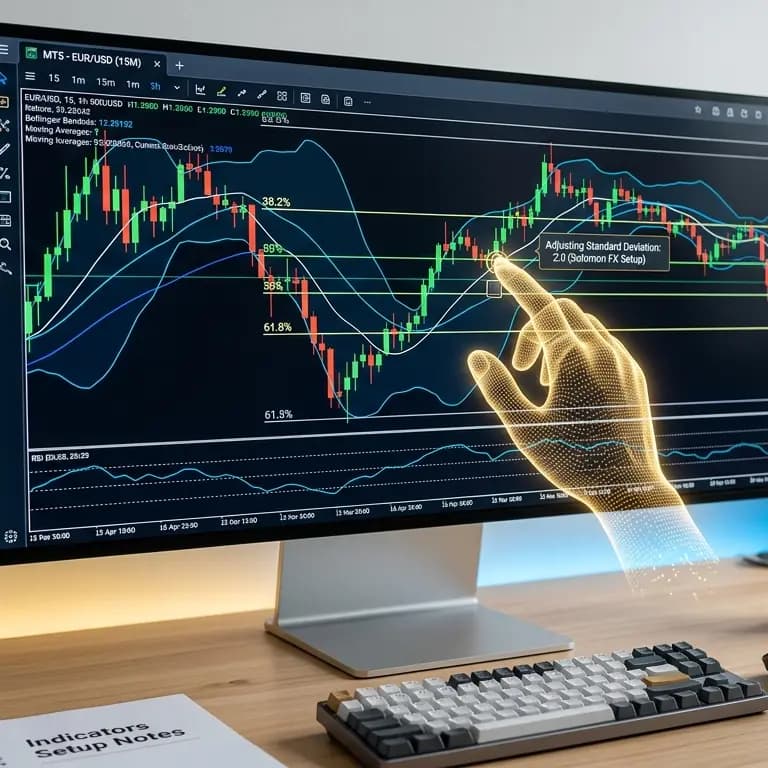
Indicators setup
Indicators Setup
₱5,000
Secure checkout. Payment via bank transfer.
Indicators setup means we help you set up the little tools on your trading charts (the “indicators” you use to read the market). You buy this help from Solomon FX. It is not something you only download and figure out alone—we work with you after your payment goes through.
What you get
- One help session for each one you buy. If you buy more than one, each one has its own spot in your account until it’s all done.
- Easy words for where things stand — you’ll see if we’re waiting to talk to you, if we’re still working on it, or if it’s finished. We can leave short notes so you know what’s happening.
- A page you can open later — even when it’s finished, you can still look at that setup in your account.
How it works (step by step)
- Buy the Indicators setup on the website like anything else: put it in the cart, check out, and pay the way the checkout page says (for example bank transfer).
- Send a picture or file that shows you paid, so we can check that the money is real.
- When that’s okay, your account shows an indicators setup for each one you bought.
- We get in touch to plan the setup and walk through it with you. We usually write to the email on your account. If you want a phone call, you can put your phone number on the Indicators page in your account. If there’s no phone number, we only use email.
- Watch your account — My account can show quick links while something is in progress. The Indicators section has the full list and each detail page so you can see the status, who is helping you when someone is assigned, and any notes from us.
What the words mean
- Waiting to talk to you — we’ll message you to pick a time and get started.
- Still working on it — we’re in the middle of helping you; read the notes on your page for the newest info.
- Finished — this setup is done; you can still open the page anytime if you want to look back.
Remember
- A real person on our team helps you (by email, or by phone if you gave a number). This is not a magic button inside the app that sets everything up by itself.
- What you pay and exactly what we set up should match what it says on the product page and when you check out.
Indicators setup
Indicators Setup
Indicators setup means we help you set up the little tools on your trading charts (the “indicators” you use to read the market). You buy this help from Solomon FX. It is not something you only download and figure out alone—we work with you after your payment goes through.
What you get
- One help session for each one you buy. If you buy more than one, each one has its own spot in your account until it’s all done.
- Easy words for where things stand — you’ll see if we’re waiting to talk to you, if we’re still working on it, or if it’s finished. We can leave short notes so you know what’s happening.
- A page you can open later — even when it’s finished, you can still look at that setup in your account.
How it works (step by step)
- Buy the Indicators setup on the website like anything else: put it in the cart, check out, and pay the way the checkout page says (for example bank transfer).
- Send a picture or file that shows you paid, so we can check that the money is real.
- When that’s okay, your account shows an indicators setup for each one you bought.
- We get in touch to plan the setup and walk through it with you. We usually write to the email on your account. If you want a phone call, you can put your phone number on the Indicators page in your account. If there’s no phone number, we only use email.
- Watch your account — My account can show quick links while something is in progress. The Indicators section has the full list and each detail page so you can see the status, who is helping you when someone is assigned, and any notes from us.
What the words mean
- Waiting to talk to you — we’ll message you to pick a time and get started.
- Still working on it — we’re in the middle of helping you; read the notes on your page for the newest info.
- Finished — this setup is done; you can still open the page anytime if you want to look back.
Remember
- A real person on our team helps you (by email, or by phone if you gave a number). This is not a magic button inside the app that sets everything up by itself.
- What you pay and exactly what we set up should match what it says on the product page and when you check out.
₱5,000
Secure checkout. Payment via bank transfer.