
Solomon FX
Everything you need to trade better
Professional-grade courses, signals, and trading tools trusted by serious traders.
New to forex? Start with forex basics, risk management, and the step-by-step learning path.
Trading Course Webinar
This is a live online course about the basics of trading forex (buying and selling foreign currencies on the global market). You meet the teacher at set times on the computer—not only by watching old videos whenever you want. You get a schedule of live sessions, and when it’s time, you join the class (like a video call). If you only want recorded lessons you can play anytime, that’s a different kind of product (a video course). This one is built around live sessions so you can learn the fundamentals together, ask questions, and follow a real timetable. What you get Live lessons on forex fundamentals — topics like how the forex market works, what traders watch for, and core ideas beginners need—delivered in real time, session by session. A clear schedule — you see when each live session starts and ends, and sometimes a short note about what that session covers. A “join” button — at class time, you open the meeting and learn with the group. After a session ends — that slot shows as done. You join the sessions that are still coming up; past ones are marked finished. Easy to find again — when you’re signed in, you can open your account and tap the link that takes you back to your live schedule for this course. Before you can see the schedule You need to buy this course (or keep paying for it, if it’s sold that way). Once your payment is good, you can see the live times and join links. You also need to be logged in. If you’re not, the site will ask you to sign in first. How to use it (step by step) Buy Trading Fundamentals for Forex on the website (cart, pay, wait until your payment is accepted if needed). Sign in so the site knows it’s you. Open your live schedule from your account or from the course page. When it’s time for class, press Join and you’re in the live lesson. If you don’t see any times yet Sometimes the list is empty even after you bought it. That means the live dates aren’t posted yet. Check back later. Remember Trading forex involves real risk. This course teaches fundamentals—it is not a promise of profit. Always use your own judgment and only risk money you can afford to lose. The class runs in another app or website (like a video call). This shop sends you there with a link. Recordings, extra materials, or homework depend on what’s said on the product page or in class.

Premium Signals
Signals are trading ideas and updates we publish for people who subscribe to a signals plan. Each post has a title and usually notes—so you can see what we’re sharing (for example a possible trade idea or a market update). This is information for you to read; it is not automatic trading on your account. What you get New posts in your account — you open My signals to see the latest messages for the signal plans you’re subscribed to. Access while your subscription is active — if your subscription ends, you won’t see new signals for that plan until you subscribe again. Optional alerts — you can get an email and/or a notification in the app when we publish something new (you can turn these off in your account settings if you only want to check the page yourself). A simple list — newest posts first, with the name of the plan each post belongs to. Before you can see signals You need an active subscription to a Signals product (how often you pay depends on how that product is set up—monthly, yearly, etc.). You also need to be logged in to your account. How to use it (step by step) Subscribe to the signals product the normal way on the website. Sign in and go to My signals (you can also get there from your account menu). Read the posts whenever you want. If you left alerts on, we may let you know when a new one is up. If you don’t see anything yet If you don’t have an active signals subscription, the site will say so and point you to products so you can subscribe. If you are subscribed but the list is empty, no signals have been posted yet—check back later when we publish. Remember Trading involves risk. Signals are not a promise of profit and not personal advice. You decide what to do with your money. We choose when and what to post; the shop just shows you the messages and can notify you if you want.
per monthly
FREE Trading Introduction
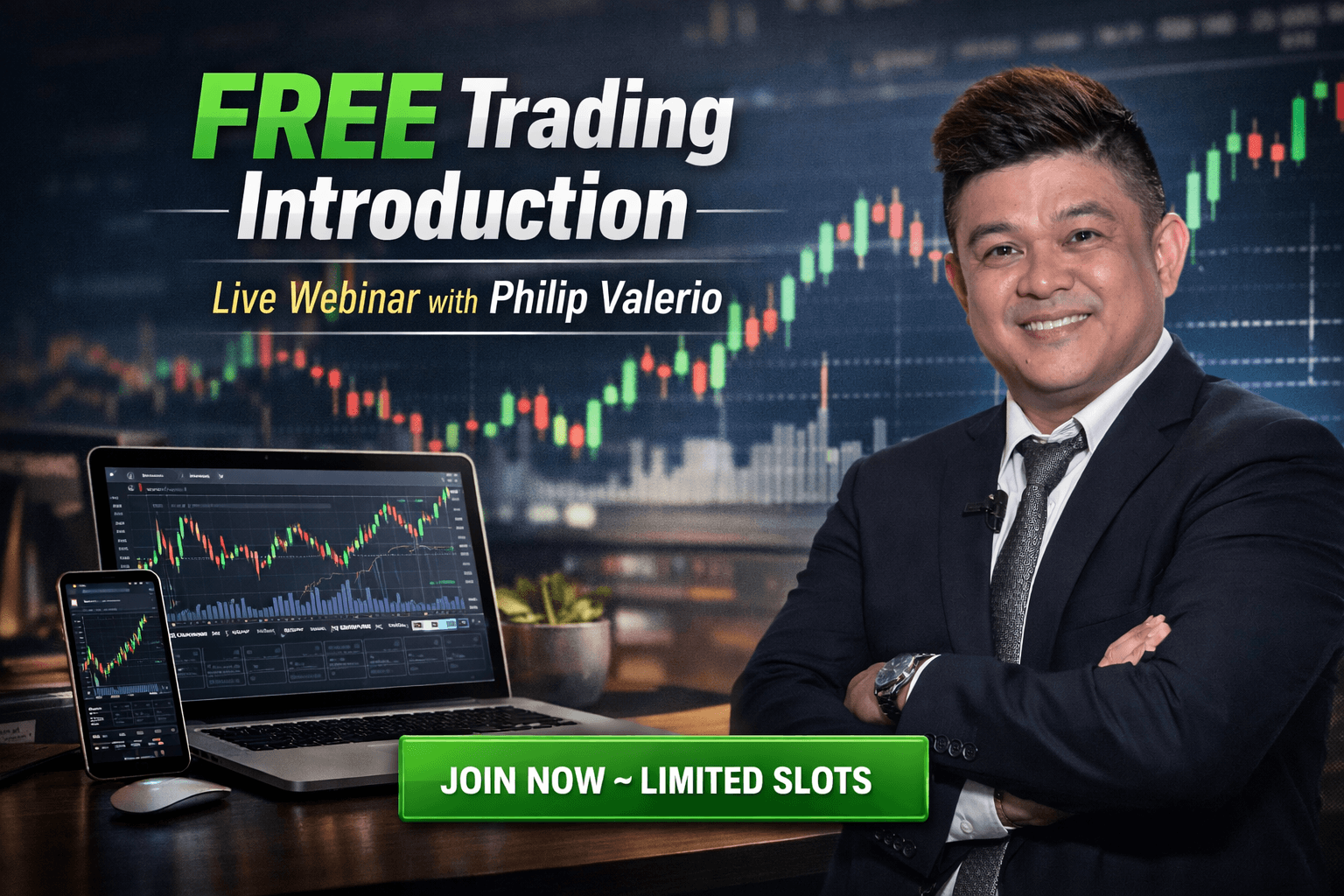
Are you curious about trading but don’t know where to start? Our FREE Trading Introduction Webinar is the perfect opportunity to explore the world of trading in a simple, beginner-friendly way. This live online session is designed to help you understand how trading works, what strategies are used, and how you can potentially benefit from learning this valuable skill. Hosted by Philip Valerio, this webinar is more than just a presentation—it’s an interactive experience where you can ask questions in real time. Whether you're completely new or have some basic knowledge, this session will give you clarity and direction. Philip will walk you through the fundamentals, explain how trading systems work, and share insights based on his experience. This is also a great chance to get to know Philip personally and build trust before committing to deeper learning. For those who decide to take the next step, Philip will personally mentor students who enroll in the Full Trading Fundamental Course, guiding them toward developing real trading skills. Don’t miss this opportunity to gain valuable knowledge, ask questions, and discover how trading could work for you. Take the first step toward understanding the system and unlocking new possibilities.
Copy Trading Access
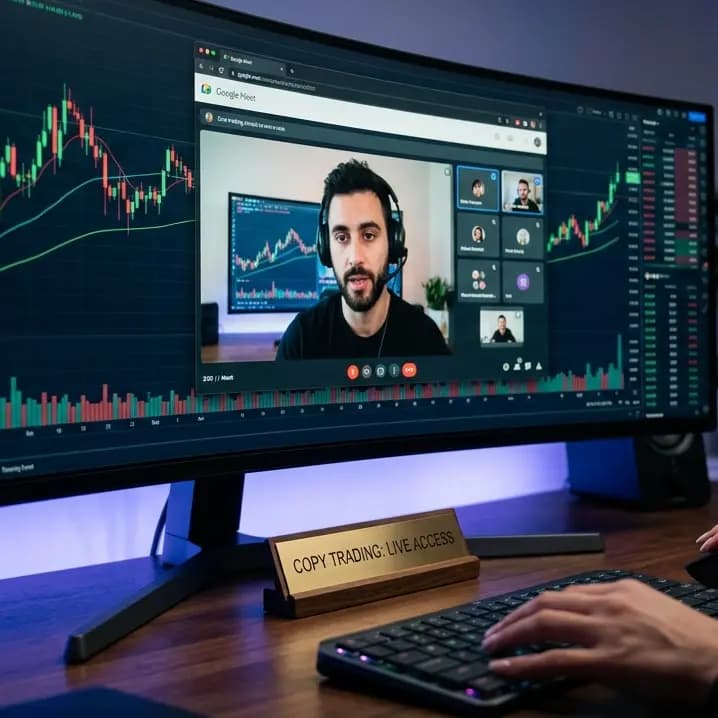
The Performance-Based Access Pass Welcome to a new way of engaging with the markets. Our Copy Trading Access is designed for traders who value direct results and a transparent, session-based structure. Instead of a recurring subscription, you are purchasing access to high-value, live trading opportunities. How the Experience Works Your journey from purchase to execution is streamlined within your personal dashboard: Secure Your Access: Purchase your Copy Trading pass to unlock the platform. Navigate to Your Dashboard: Log in to your Account Page to manage your sessions. View the "Copy Trading" Tab: This is your command center where you will find the Live Trading Schedules. Join the Live Session: At the designated time, join our experts via Google Meet for real-time market execution. --- The Service Mechanics We believe in providing a service that aligns with your success. This product is built around Two (2) Valid Trading Sessions. The Session Count: Every time you join a live Google Meet, it is recorded as one session used. The Access Extension: We understand that the markets can be unpredictable. If your two sessions do not result in a profit, you have the option to request an extension. Approval-Based Continuity: Once your request is reviewed and approved, your access will be restored for the next available session. This ensures you have the opportunity to participate until the intended value of the product is met. --- Key Benefits of This Model Focused Entry: You only use your access when you are ready to trade during our scheduled windows. Real-Time Interaction: By joining via Google Meet, you are part of a live environment where you can see the execution as it happens. Flexible Access: The extension request system is designed to provide peace of mind, ensuring you get the most out of your purchase.
Indicators Setup
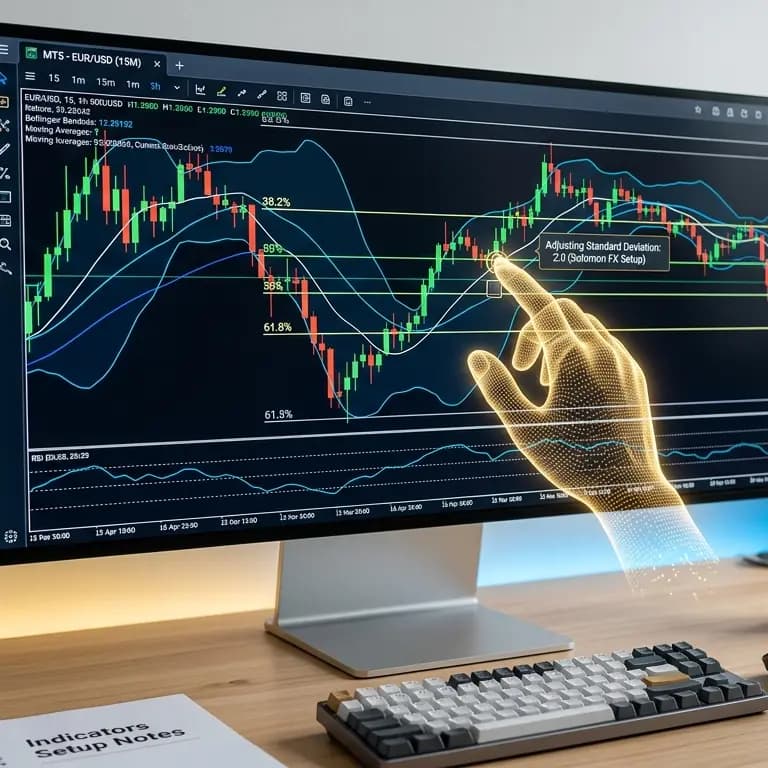
Indicators setup means we help you set up the little tools on your trading charts (the “indicators” you use to read the market). You buy this help from Solomon FX. It is not something you only download and figure out alone—we work with you after your payment goes through. What you get One help session for each one you buy. If you buy more than one, each one has its own spot in your account until it’s all done. Easy words for where things stand — you’ll see if we’re waiting to talk to you, if we’re still working on it, or if it’s finished. We can leave short notes so you know what’s happening. A page you can open later — even when it’s finished, you can still look at that setup in your account. How it works (step by step) Buy the Indicators setup on the website like anything else: put it in the cart, check out, and pay the way the checkout page says (for example bank transfer). Send a picture or file that shows you paid, so we can check that the money is real. When that’s okay, your account shows an indicators setup for each one you bought. We get in touch to plan the setup and walk through it with you. We usually write to the email on your account. If you want a phone call, you can put your phone number on the Indicators page in your account. If there’s no phone number, we only use email. Watch your account — My account can show quick links while something is in progress. The Indicators section has the full list and each detail page so you can see the status, who is helping you when someone is assigned, and any notes from us. What the words mean Waiting to talk to you — we’ll message you to pick a time and get started. Still working on it — we’re in the middle of helping you; read the notes on your page for the newest info. Finished — this setup is done; you can still open the page anytime if you want to look back. Remember A real person on our team helps you (by email, or by phone if you gave a number). This is not a magic button inside the app that sets everything up by itself. What you pay and exactly what we set up should match what it says on the product page and when you check out.